ثبت نام / ورود
0
ثبت نام / ورود
0
#Tableau
#Data_Visualizations
Enhance the way you use Tableau Server's analytical tools by learning how to manage content to drive user engagement
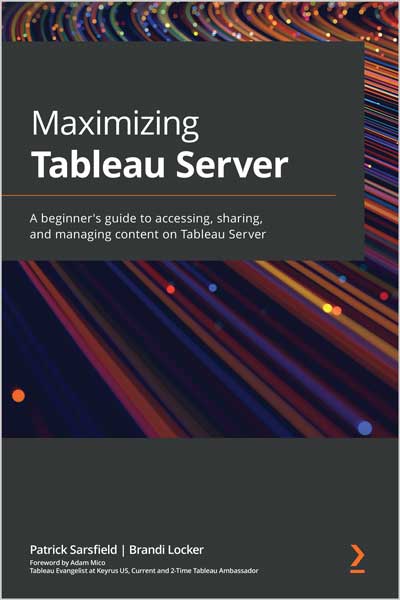
Tableau Server is a business intelligence application that provides a centralized location to store, edit, share, and collaborate on content, such as dashboards and curated data sources. This book gets you up and running with Tableau Server to help you increase end-user engagement for your published work as well as reduce or eliminate redundant tasks.
You'll explore Tableau Server's structure and how to get started by connecting, publishing content, and navigating the software interface. Next, you'll learn when and how to update the settings of your content at various levels to best utilize Tableau Server's features. You'll understand how to interact with the Tableau Server interface to locate, sort, filter, manage and customize content. Later, the book shows you how to leverage other valuable features that enable you and your audience to share, download, and interact with content on Tableau Server. As you progress, you'll cover principles to increase the performance of your published content. All along, the book shows you how to navigate, interact with, and use Tableau Server with the help of engaging examples and best practices shared by recognized Tableau professionals.
By the end of this Tableau book, you'll have a solid understanding of how to use Tableau Server to manage content, automate tasks, and increase end-user engagement.
This Tableau software book is for BI developers, data analysts, and everyday users who have access to Tableau Server and possess basic web navigation skills. No prior experience with Tableau Server is required.Table of Contents1. What is Tableau Server?2. How to Connect and Publish to Tableau Server3. Tableau Server Navigation Pane4. Tableau Server Top Toolbar5. Filtering and Sorting Content6. Navigating Content Pages in Tableau Server7. What is in the More Actions( ... ) Menu8. Interacting with Views on Tableau Server9. Tableau Server Best Practices10. ConclusionReview
"Maximizing Tableau Server is a fantastic introduction to all the features available to unleash the true power of the platform. In addition, the authors point you to the second widely known power, the Tableau Community, which can push your knowledge and understanding to new heights with Tableau Server and beyond! Whether it's Day 1 or Day 100, you will find valuable references, tips, and tricks within Maximizing Tableau Server and I highly recommend picking up a copy for yourself, or your team members, to make sure you maximize and realize the value of the platform now at your fingertips." -- Mark Bradbourne, National Solutions Engineer at Tableau
Patrick Sarsfield is a senior data visualization consultant at Lovelytics. He is a Tableau Certified Associate Consultant, was a Tableau Public Featured Author in 2020, and is a multiple-time Tableau “Viz of the Day” winner.
Brandi Locker is a senior exploratory analytics consultant at Allstate Insurance Company. She is a certified Tableau Desktop Specialist and co-leads the North Texas Tableau User Group.